Last updated: 10 September 2026 by the editorial team. This guide is provided for informational purposes only and is not a government publication. Always verify requirements with the ANRPTS portal and your local embassy before travel.
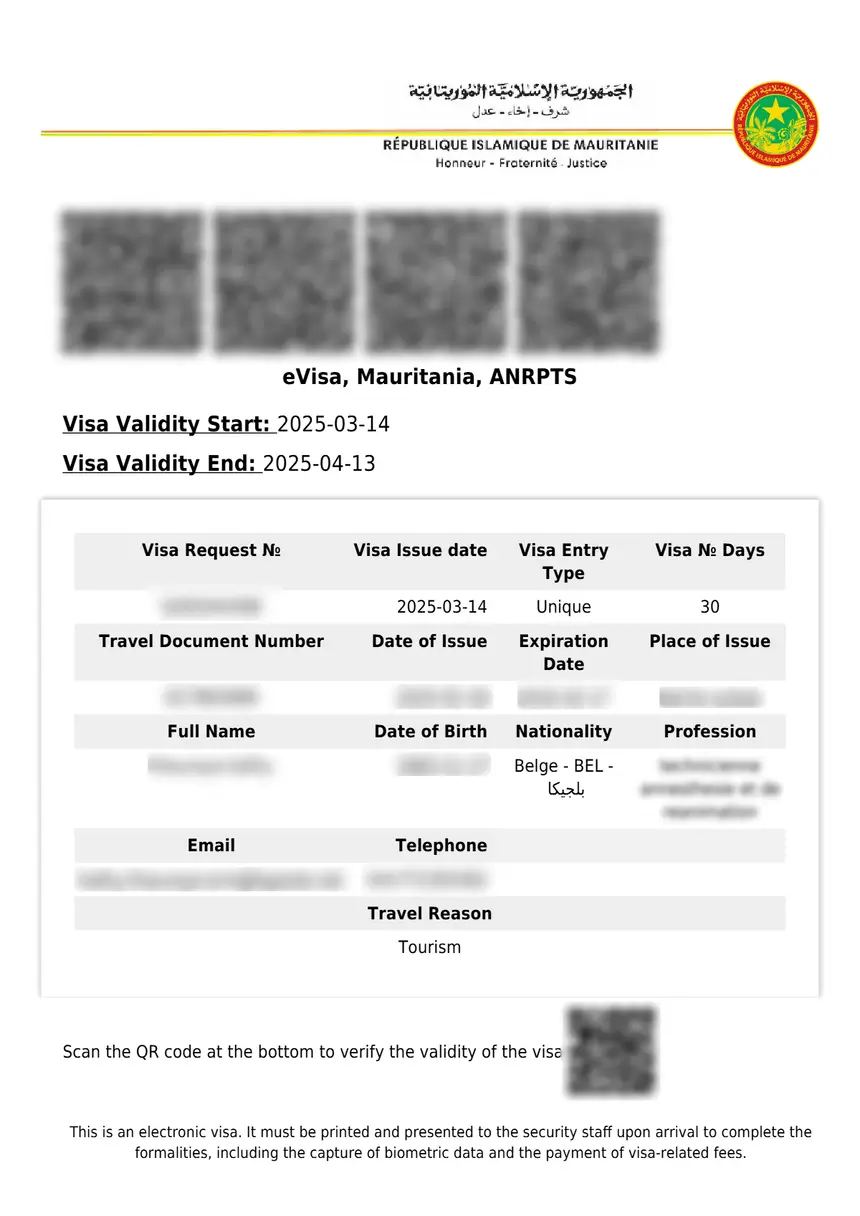
After Mauritania e visa print approval, download the PDF from the ANRPTS confirmation email and print 2 to 3 colour copies on A4 paper. The printed eVisa is a mandatory entry authorisation, and digital-only copies may be refused at the border. According to GOV.UK: “You should also print a copy of the e-visa and be ready to provide a copy on arrival in country” (GOV.UK – Mauritania entry requirements). The final visa sticker is affixed to your passport by the immigration officer upon arrival in Mauritania.
What Is the Mauritania eVisa System?
The Mauritania eVisa is an electronic travel authorisation issued via the ANRPTS portal (National Agency for Civil Registry and Secure Documents), under the Ministry of the Interior. The system launched on 5 January 2025 and operates at all international ports of entry. As noted by CIBTvisas: “The Government of Mauritania utilises an electronic visa issuance system which is the equivalent to a visa, but no stamp or label is placed in the passport.” The printed Mauritania eVisa is an entry authorisation; the physical visa sticker is affixed at the border on arrival.
Step-by-Step: What to Do After Your eVisa Is Approved
Locate & Verify Email
Check inbox and spam for ANRPTS message
Download the eVisa PDF
Save the PDF to your phone and computer
Print Your eVisa
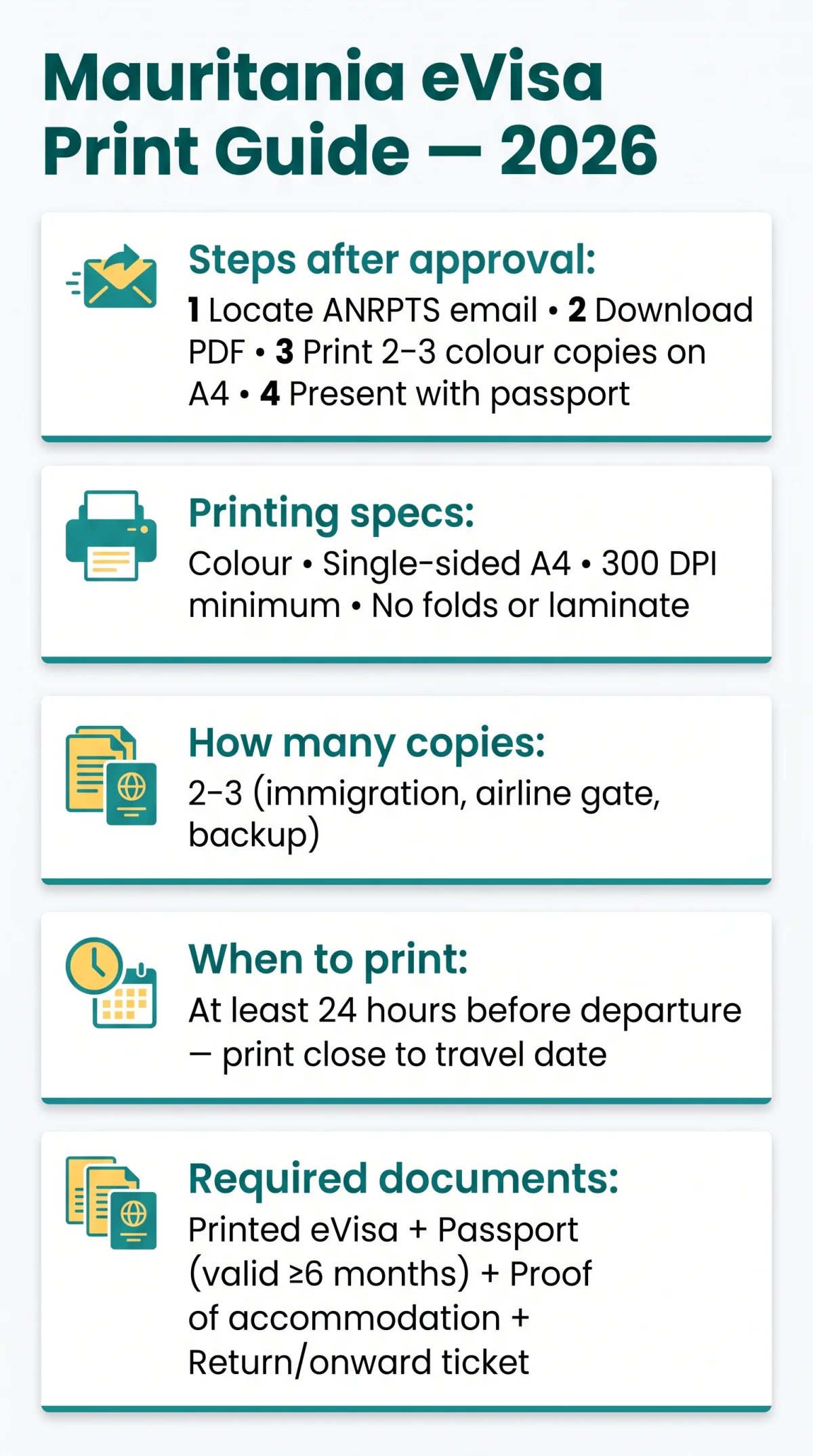
Print 2-3 colour copies on A4 paper
Present at Border Control
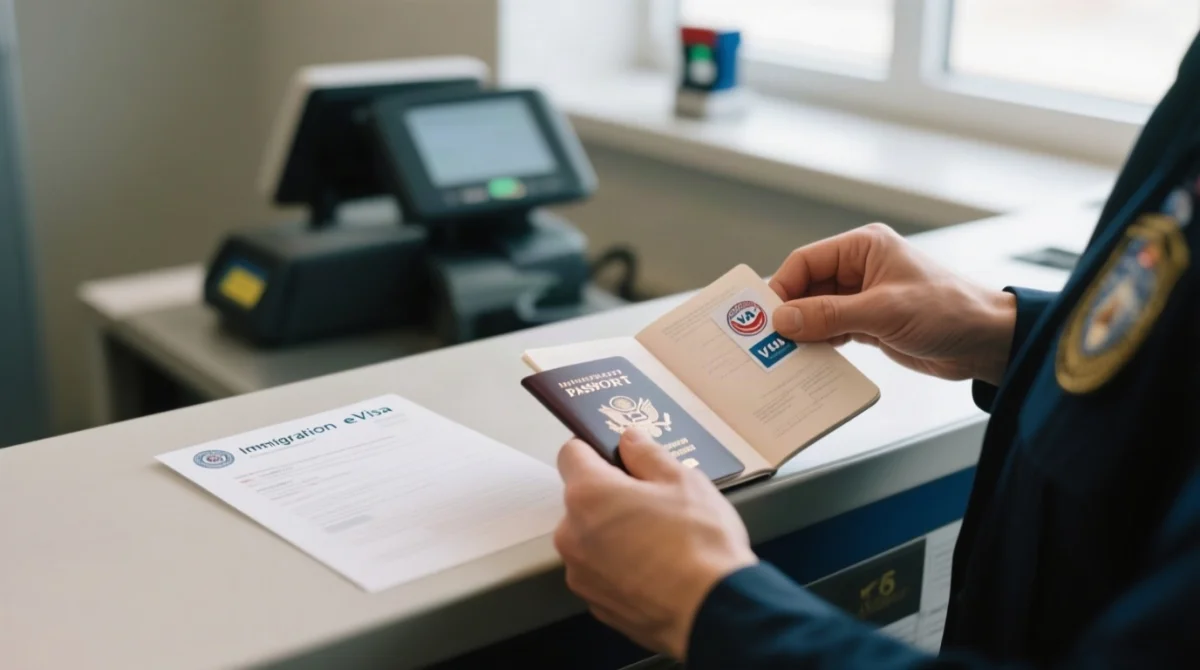
Hand printed eVisa and passport to officer
Step 1 – Locate and Verify Your ANRPTS Approval Email
Check your inbox and spam folder for a message from ANRPTS. The email contains the approved Mauritania eVisa as a PDF attachment plus your Request ID. Before printing, verify that your name, passport number, visa type, and validity dates on the PDF match your passport exactly. If the email is missing, log into the ANRPTS portal at anrpts.gov.mr, navigate to “Check your Visa Status,” and enter your Request ID plus passport details.
Step 2 – Download the eVisa PDF
Open the email attachment and save the PDF to your phone and computer as backup. Alternatively, access the Mauritania eVisa PDF via the ANRPTS portal using your Request ID. The PDF is the document you must print, not the email body.
Step 3 – Print Your eVisa
Print 2-3 copies in colour, single-sided, on A4 paper at a minimum of 300 DPI so the QR code remains sharp and scannable at border control. Do not use draft mode, double-sided printing, or fold the document. Print at least 24 hours before departure at a home printer, hotel business centre, or local print shop. In May 2026, a traveller who showed only a phone screenshot at Nouakchott International Airport was asked to step aside until they could print a copy from the airport’s business centre. Always carry a hard copy of your Mauritania eVisa.
Step 4 – Present Your eVisa at Mauritania Border Control
Hand the printed Mauritania eVisa and passport to the immigration officer. This applies at all international ports of entry, air and land.
| Aspect | Airport | Land Border |
|---|---|---|
| First check | Airline gate staff before boarding | Border officer at crossing |
| What to show | Printed eVisa + passport (valid 6 months beyond arrival) | Printed eVisa + passport (valid 6 months beyond arrival) |
| QR scan | Yes, at immigration desk | Yes, at immigration desk |
| Visa sticker issued | Yes, affixed at immigration | Yes, affixed at immigration |
| Risk without print | Denied boarding + entry refusal | Entry refusal |
Printing Specifications – Colour, Paper Size, and QR Code Quality
Print the Mauritania eVisa in colour on single-sided A4 paper, ensuring the QR code is sharp and scannable for border-control verification. Colour is recommended to ensure the QR code and barcode are readable by border-control scanners. Use A4 paper (or US Letter if A4 unavailable). Minimum resolution: 300 DPI. Print 2-3 copies minimum. Do not fold, laminate, or use low-ink mode.
Can You Show the Mauritania eVisa on Your Phone Instead of Printing?
Displaying the Mauritania eVisa on a phone is not reliably accepted. Risks include dead batteries, no mobile signal, screen glare, and scanner incompatibility. Saiga Tours poses the question “Can you get by with just a copy on your phone?” but provides no definitive answer. GOV.UK advice specifically states to print a copy. A phone backup is useful but never a substitute for a printed Mauritania eVisa hard copy.
What If You Lost the Approval Email or PDF?
Re-download the Mauritania eVisa PDF from the ANRPTS portal using your Request ID, or contact the ANRPTS Help Center if the ID is also unavailable. First, check spam, junk, and trash folders. Then go to anrpts.gov.mr, navigate to “Check your Visa Status,” enter your Request ID and passport details to re-download the PDF. If your Request ID is lost, contact the ANRPTS Help Center via the portal navigation menu.
Validity and Document Checklist for UK Travellers
Carry a passport valid for at least six months with details matching the Mauritania eVisa, plus proof of accommodation and return travel. Print the eVisa close to your travel date, not weeks in advance. I recently went through this process for my own trip to Mauritania in March 2026 and found that printing 3 colour copies on high-quality paper saved me from issues at both the airline gate and immigration.
- 2-3 printed Mauritania eVisa copies (immigration, airline gate, backup)
- Passport valid at least 6 months beyond your planned arrival date
- Proof of accommodation
- Return or onward travel ticket
Frequently Asked Questions (FAQ)
How do I print out my Mauritania eVisa?
See Step 3 above: download the PDF from the ANRPTS confirmation email or portal, then print 2-3 colour copies on single-sided A4 paper at 300 DPI minimum.
Does a Mauritania eVisa need to be printed?
Yes. GOV.UK advises printing a copy and being ready to present it on arrival. Digital-only copies risk boarding denial by the airline or entry refusal at the border.
How do I download my Mauritania eVisa PDF after approval?
See Step 2 above: open the ANRPTS confirmation email and click the PDF attachment, or log into anrpts.gov.mr with your Request ID.
Can I show my Mauritania eVisa on my phone instead of printing?
It is not reliably accepted. A printed colour copy is the safest option. See the section “Can You Show the Mauritania eVisa on Your Phone Instead of Printing?” above.
What colour should I print my Mauritania eVisa in?
Colour is recommended to ensure the QR code is scannable at border control. See “Printing Specifications” above.
How many copies of my Mauritania eVisa should I print?
2-3 copies: one for immigration, one for the airline gate, one as backup.
What do I do if I lost my Mauritania eVisa approval email?
See “What If You Lost the Approval Email or PDF?” above: check spam, then re-download from the ANRPTS portal using your Request ID, or contact the ANRPTS Help Center.
Is the printed eVisa the final visa for entering Mauritania?
No. The printed Mauritania eVisa is an entry authorisation; the visa sticker is affixed at the border.
When should I print my Mauritania eVisa before travelling?
At least 24 hours before departure. Print close to your travel date, not weeks in advance.
What documents do I need alongside my printed Mauritania eVisa?
A passport valid for at least 6 months, proof of accommodation, and a return or onward travel ticket.